Your membership card, in every member’s wallet.
Passboard turns the members you keep in Genkgo into Apple Wallet and Google Wallet cards. Status and role come from the folders and groups you already have, so the board has nothing extra to maintain.





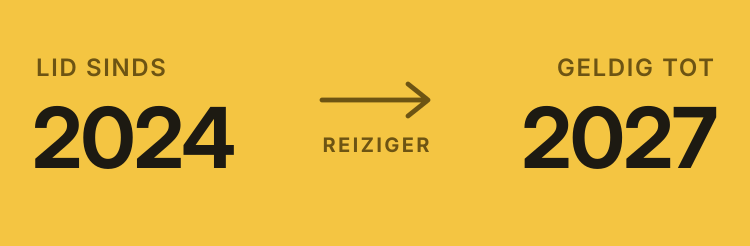
Every kind of club, its own card
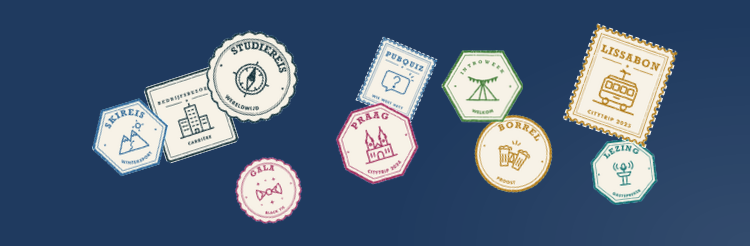
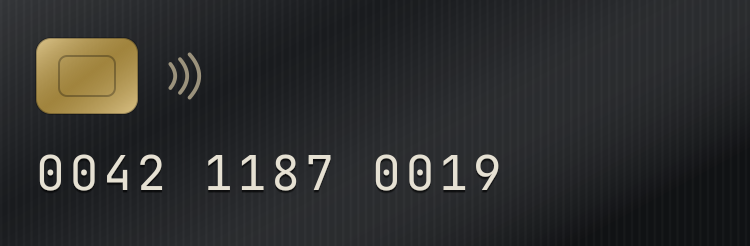
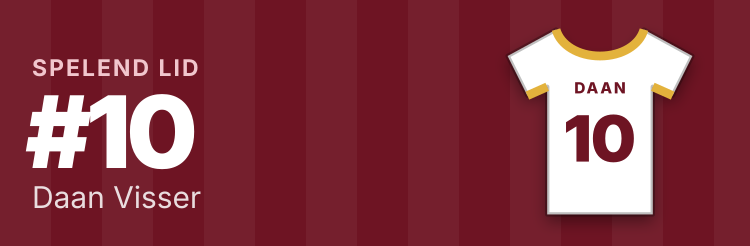
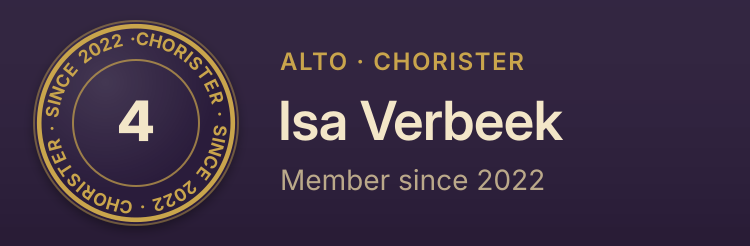
A study association collecting stamps, a football club’s shirt, a rowing club in varsity colours, a climbing gym’s punch card. Eighteen layouts, each in your own colours and logo.
WindroosStudy association · Passport De LindeboomFootball club · Jersey ZilverreigerRowing club · Varsity De Vergulde VorkDining society · Black card Vox LunarisChoir · Membership seal Het WeerwoordDebating society · Monogram GripClimbing gym (a company) · Punch card VertrekhalStudent travel association · Boarding pass LichtjaarFestival crew (a foundation) · All-access ticket BitwijsStudy association (computing) · Aurora LobspelTennis club · Season ring PoedersneeuwStudent ski club · Trophy shelf

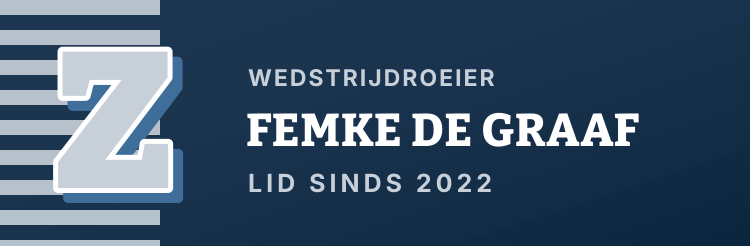



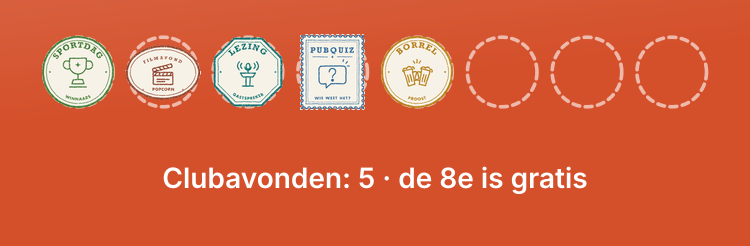

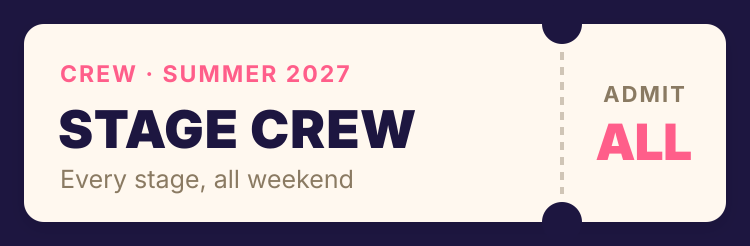


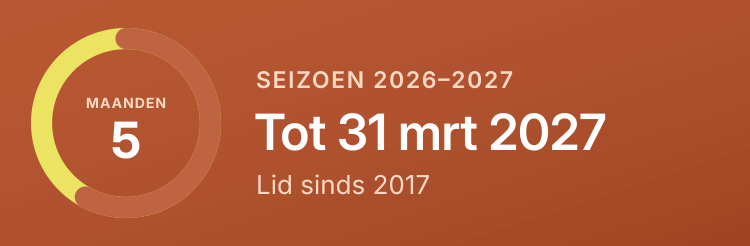
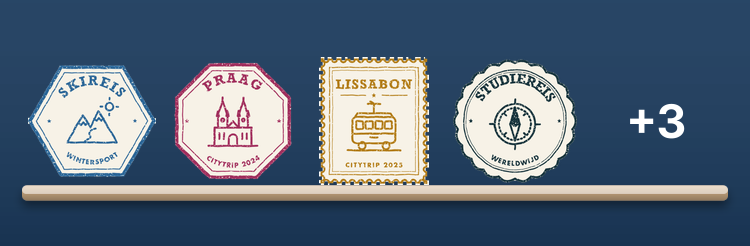
These organisations are made up. The cards are not: each one is drawn by the same code that draws real members’ cards.Try the layouts with your logo
One member, both wallets
iPhone users add the card to Apple Wallet, Android users to Google Wallet. Same name, same design, same barcode. Most changes in Genkgo reach both cards within minutes; group and committee changes follow overnight.



Genkgo decides which card someone gets
You already sort members into folders and groups. We read that structure, agree the mapping with your board once, and every card follows from it.
No member editing, no events, no payments here: Genkgo stays your member register.
| In Genkgo | → On the card |
|---|---|
| Folder “Members” | Member |
| Group “Committee Lustrum 2026” | Active |
| Group “Board 2026-2027” | Board |
| Group “Board 2023-2024” | Ex-board |
| No current membership in Genkgo | Alumni, or the card ends |
What comes with the card
Updates by itself
A quick sync every few minutes and a full one each night. A new committee role, a renewal or a graduation reaches the card without anyone touching it.
Partner discounts
Your partners’ offers on the back of the card, and a scanner page where partner staff check that a card is valid.
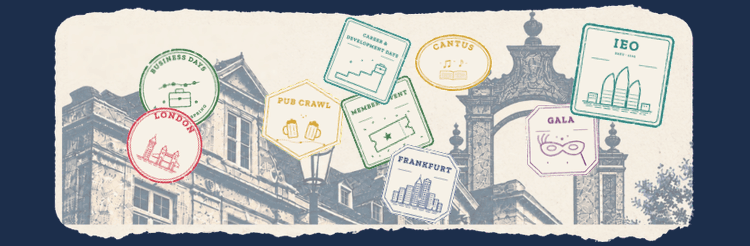
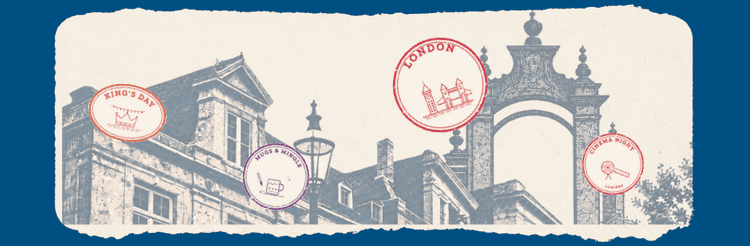
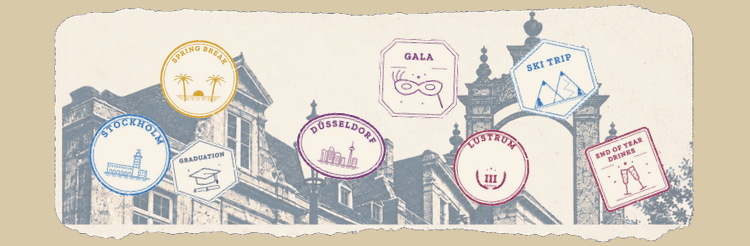
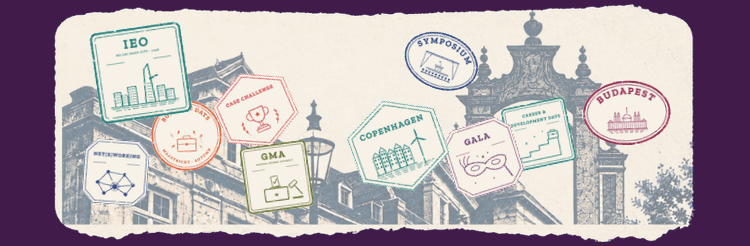
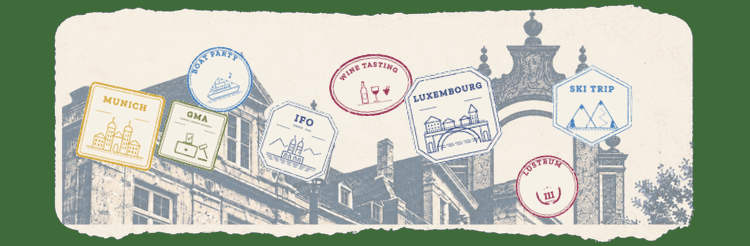
Trip and event stamps
If you want them: the trips a member joined, and the events you choose to stamp, drawn on the card.
Door check-in
If you want it: scan cards at the door with a phone. For a stamped event, the stamp is on the card within minutes.
Announcements
A short message on members’ lock screens, to everyone or to one design or committee.
Location campaigns
While a partner’s offer runs, Apple Wallet can show the card on the lock screen near the partner.
Built first for SCOPE Maastricht
The first of these cards were built for SCOPE Maastricht, the study association of Maastricht University’s School of Business and Economics, and run there today on SCOPE’s own server. Passboard grew out of that work.
- Apple Wallet and Google Wallet
- Synced from Genkgo
- Five designs: active, member, alumni, board, ex-board
- Partner discounts on the card
- Trip and event stamps
- Check-in at the door




Look around the admin
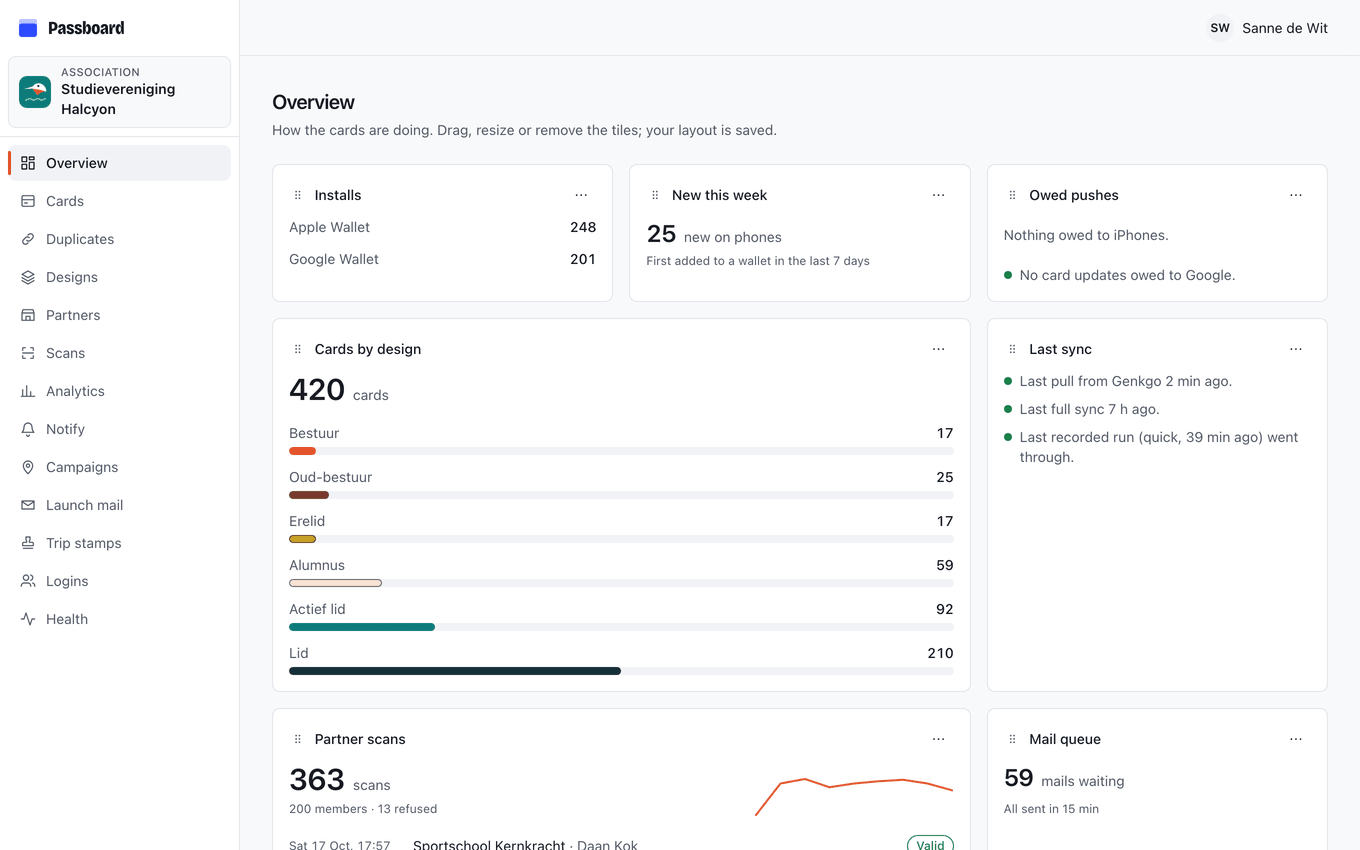
The dashboard your board would use, filled with an invented association of 420 members: card designs, partners and their scans, announcements, the launch mail. Click anything.
Nothing you change is saved; reload the page to start over.
Questions boards ask
Does anything change in Genkgo?
No. We read through a service account your association creates and can revoke, and nothing is written back. Sign-ups, payments and events stay where they are.
What does Apple charge?
Apple charges €99 a year for the developer account, in your association’s name. Apple needs a D-U-N-S number for it, which is the longest wait in the setup.
Do members need an app?
No. Members get a link by email and add the card to Apple Wallet or Google Wallet. A member who lost the mail asks for a new link with their email address.
What happens when a new board takes over?
The new board’s group in Genkgo turns their cards into board cards, and the previous board’s cards become ex-board. There is nothing to hand over except the dashboard logins.
And when someone leaves?
The card follows Genkgo: depending on your rules it becomes an alumni card or stops working. A card ends only once Genkgo confirms the member is gone, and if many would end at once, the sync stops until someone checks.
Where does member data live?
On a server in the EU, without contact details: no email addresses, phone numbers or postal addresses. The privacy page lists exactly what is stored.
See your own card first
Upload your logo, pick your colours and watch the Apple and Google card change as you type. Nothing leaves your browser until you send it.